Poke around
Every screen, in order.
Real screenshots, not mockups, following the path a rep actually takes: load your material, draft the pitch, take the calls, read the week.
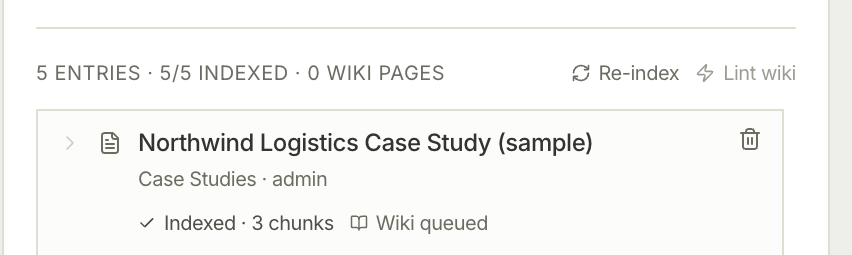
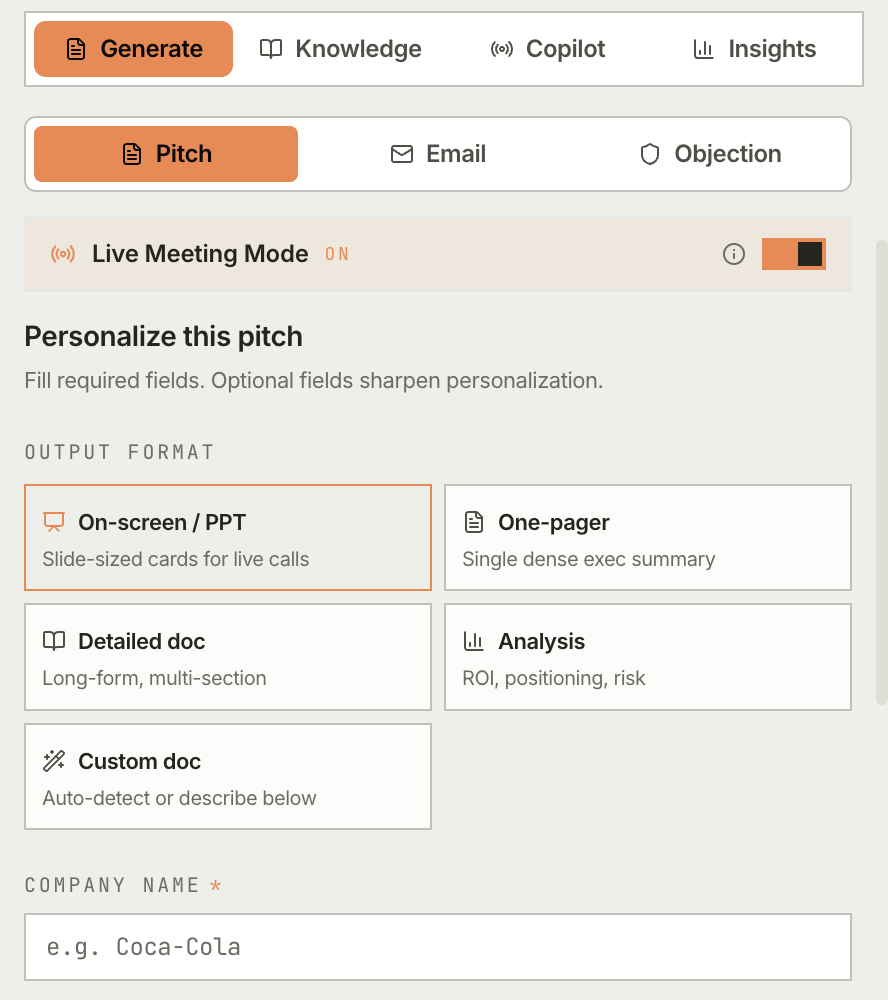
Live coaching, grounded pitches, objections answered on the spot. It sits in your Chrome sidebar. Use the hosted backend, or self-host it on your own keys.
No backend to run. Load the extension, create an account on the hosted backend, and draft a pitch from sample data.
Get ClientLens-extension.zip from the
latest release
and unzip it.
Open chrome://extensions, turn on Developer mode, click Load unpacked
and pick the unzipped folder.
Click the ClientLens icon to open the side panel, click Create an account and sign up with your email and a password of at least 8 characters. Open Quick settings, turn on Try ClientLens with sample data, then open the Generate tab and draft a pitch.
Good to know
A 43-second launch cut, and a 72-second recording of one user's path, start to finish.
Join a Meet and ClientLens starts listening. Four agents work the live transcript, including a validator that checks each suggestion against your knowledge base.
Pick the ICP, paste their site, and the council does the rest. Every number cites a source, and anything unsourced is rejected before it reaches you.
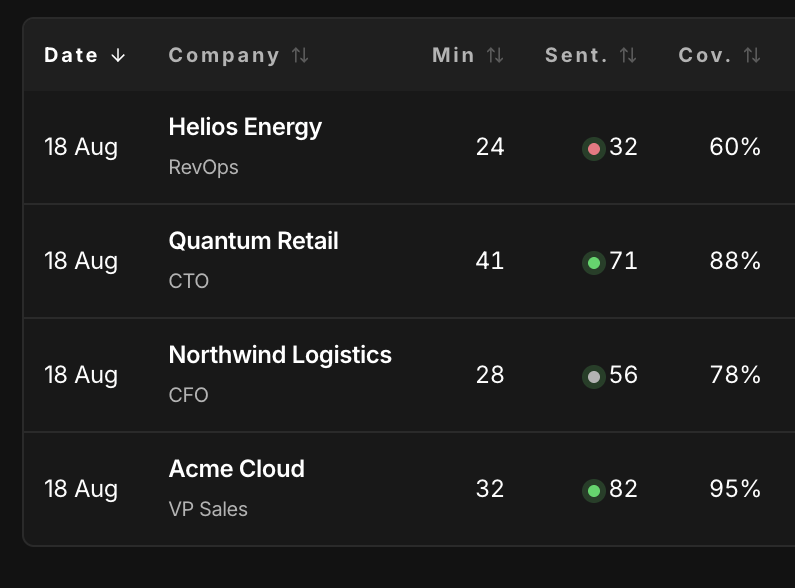
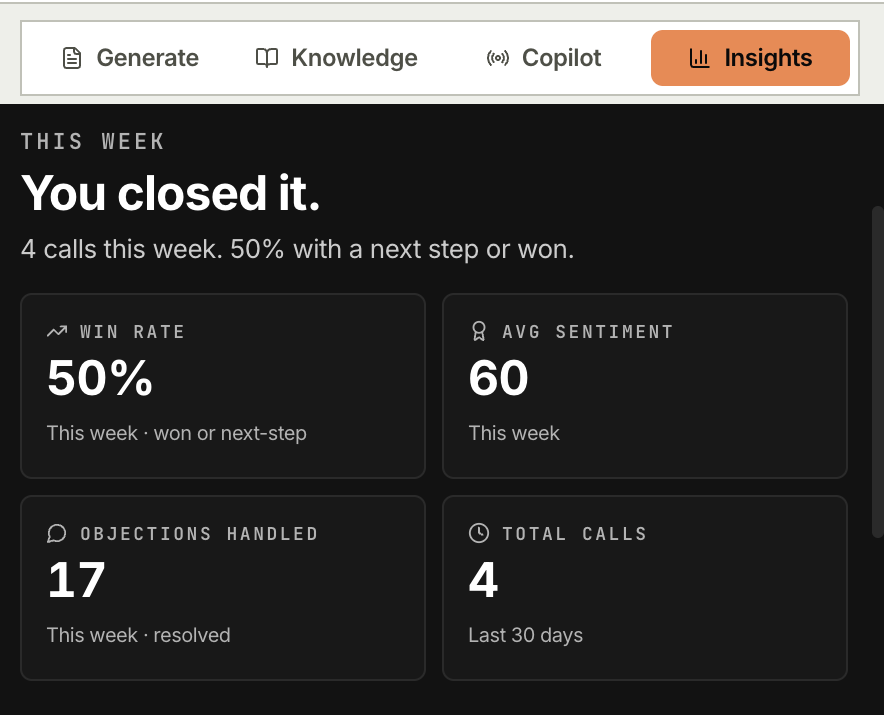
Agenda coverage, sentiment, objections, action items. One click into Zoho (HubSpot and Salesforce next). Every conversation you have had, in one scannable grid.
Real screenshots, not mockups, following the path a rep actually takes: load your material, draft the pitch, take the calls, read the week.
This is the self-host path. Nothing to install on the prospect's side and no IT ticket. Setup is a developer task once. To just try it, use the hosted backend above.
Clone it, run the setup script, start the backend. One LLM key gets you going, and Gemini's free tier is plenty.
Load it unpacked in Chrome (a Web Store build is planned). Then drop in case studies and battle cards. PMMs can keep it current without bothering eng.
The sidebar lights up and the overlay lands on Meet itself. Afterwards, one click pushes the summary to Zoho.
Read this before you deploy it
Sign-in is email and password. Anyone can create an account, and each account is its own workspace with daily usage caps. That holds on the hosted backend and on one you run yourself. Leave dev mode off on any backend you deploy: it accepts a stub user, skips the caps and is for local development only.
Also worth knowing up front: you load it unpacked, there is no Web Store listing yet, Python 3.11 or newer is a hard requirement, and Zoho is the only CRM wired end to end. The security model covers what to lock down, and the limitations page lists every edge.
Open source, on infrastructure you control, with Anthropic, Gemini, Groq or anything OpenAI-compatible behind it. Try it, use it, improve it.
A Web Store build is coming, so reps will not need a developer. Watch the repo to hear when.